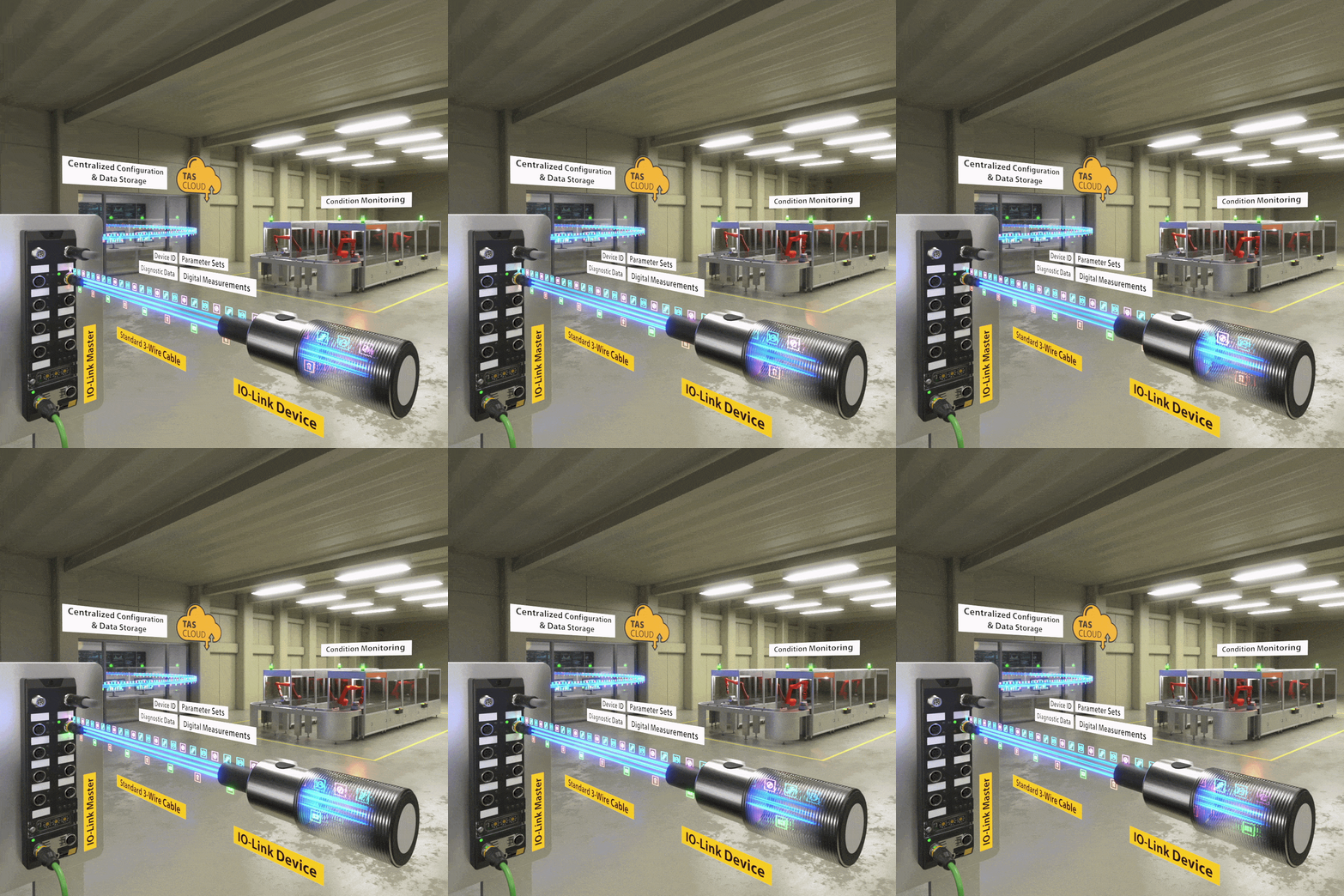
There are essentially three ways to configure IO-Link devices: via the controller, via the IO-Link master, or via configuration software on a PC within the automation network. At TURCK, the TAS (TURCK Automation Suite) is used for this purpose. Which option makes the most sense depends on the infrastructure in use. In traditional projects, parameterization is often performed using tools such as TAS, PACTware, or other IODD interpreters. There, parameters can be clearly visualized, adjusted, saved, or exported as a file.
Even more convenient is direct parameterization via the IO-Link master itself—for example, via an integrated web server or an IODD configurator. TURCK masters from the TBEN, FEN20, or TBPN series natively support this approach and also enable automatic downloading of the IODD from the Internet.
For use in PROFINET projects, SIDI (Simple IO-Link Device Integration) offers the simplest solution. Here, all relevant parameters can be set directly in plain text within the TIA Portal or comparable engineering tools—without additional software and without manual index or subindex entries. This makes parameterization of IO-Link devices just as convenient as with classic fieldbus modules.